Extend the lifespan of your devices with the right accessories

Extend the lifespan of your devices with the right accessories
Smartphones, laptops, and tablets have become essential tools in everyday life – but they’re also expensive investments that we want to last as long as possible. The good news is that the right accessories can make a big difference to both performance and durability. Here’s a guide to how a few well-chosen products can help you protect and extend the lifespan of your digital devices.
Protection comes first
The most obvious place to start is with physical protection. A sturdy case and a quality screen protector can prevent many of the accidents that would otherwise lead to costly repairs.
- Case or cover: Choose one that fits your device perfectly. A shock-absorbing case protects against drops, while a folio-style cover also shields the screen when not in use.
- Screen protector: A tempered glass protector can absorb scratches and impacts, saving you from having to replace the entire screen.
- Bags and sleeves: For laptops and tablets, a padded sleeve or backpack compartment is a simple way to protect against bumps and scratches during travel.
Even small accidents – like dropping your phone on the pavement or scratching your laptop lid – can shorten a device’s lifespan. Prevention is often the best investment.
Keep your devices clean and cool
Dust, dirt, and heat are among the biggest enemies of electronics. Regular cleaning and proper ventilation can significantly extend the life of your devices.
- Clean regularly: Use a microfibre cloth and a small amount of isopropyl alcohol to remove fingerprints and dust from screens and keyboards. Avoid household cleaners, which can damage coatings.
- Avoid overheating: Use your laptop on hard, flat surfaces so air can circulate freely. A cooling pad is a great idea if you often work with demanding software or in warm Australian climates.
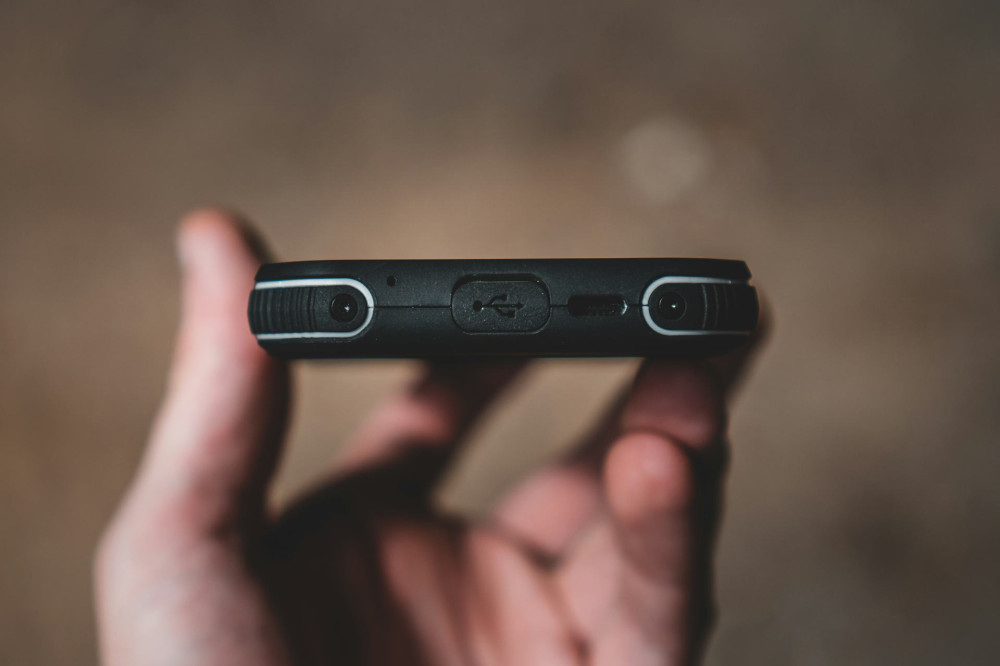
- Clean ports and vents: Use compressed air to remove dust that can build up in USB ports and fans.
A clean, cool environment helps components perform better and reduces the risk of malfunctions.
Læs også:

Take care of the battery
The battery is often the first part to lose capacity, but with a bit of care, you can extend its life considerably.
- Avoid constant full charging: Batteries last longer when kept between 20% and 80% charge.
- Use original or certified chargers: Cheap, unbranded chargers can deliver unstable power and damage the battery over time.
- Avoid extreme temperatures: Batteries degrade faster when exposed to heat – for example, leaving your phone in a hot car during an Australian summer.
A smart charger that automatically stops charging when the battery is full can help preserve battery health for years.
Upgrade instead of replacing
When a device starts to feel slow, it’s not always necessary to buy a new one. Often, a simple upgrade can give it a new lease on life.
- Replace the battery: Many smartphones and laptops can have their batteries replaced, extending their lifespan by several years.
- Add more RAM or a faster SSD: For laptops, upgrading memory or storage can dramatically improve speed and responsiveness.
- Keep software updated: Regular updates improve both performance and security, helping your device run smoothly for longer.
Thinking in terms of maintenance and upgrades rather than replacement saves money and reduces electronic waste.
Accessories that protect and enhance
Some accessories indirectly extend your device’s life by making everyday use gentler and more comfortable.
- Laptop or tablet stand: Improves ergonomics and reduces heat buildup.
- External keyboard and mouse: Minimises wear on your laptop’s built-in keyboard and trackpad.
- Power bank: Lets you charge on the go without relying on fast charging, which can stress the battery.
Small investments in the right accessories can make a big difference in how long your devices stay functional and looking good.
A sustainable benefit
Extending the lifespan of your devices isn’t just about saving money – it’s also a step toward a more sustainable lifestyle. Electronics manufacturing consumes significant resources, and by using your products longer, you help reduce your environmental footprint.
With the right accessories, a bit of maintenance, and mindful use, you can keep your devices running for years longer – good for your wallet and even better for the planet.
Læs også: