New to PC gaming? How to get started – from setup to your first game

New to PC gaming? How to get started – from setup to your first game
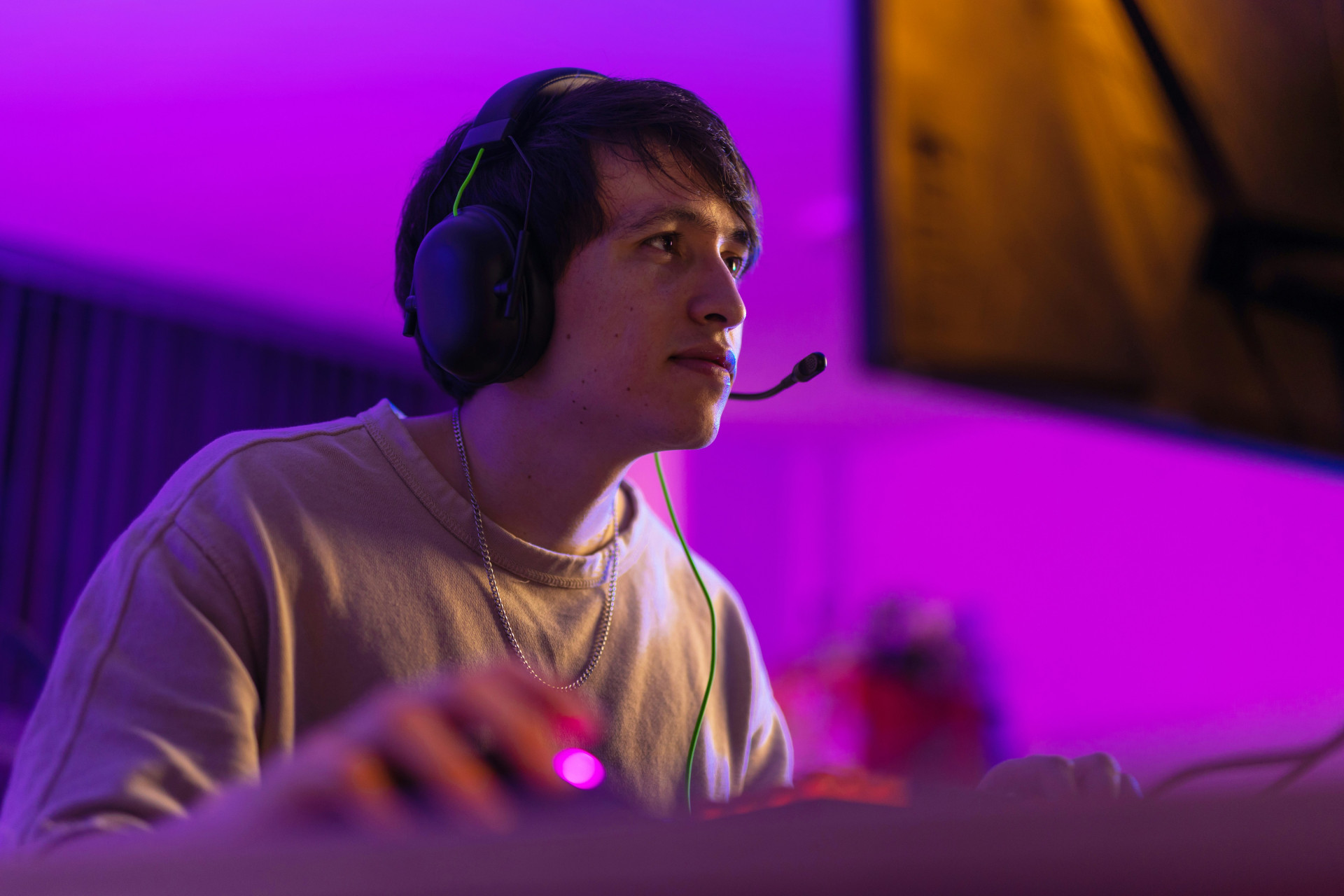
Getting into PC gaming can feel overwhelming at first – with all the talk about graphics cards, frame rates, and system specs. But once you’ve got the basics sorted, you’ll open the door to an incredible world of experiences, from epic single-player adventures to online matches with mates. Here’s a step-by-step guide to help you get started with PC gaming – from setting up your computer to playing your very first game.
Choose the right PC for your needs
The first step is figuring out what kind of gamer you are – and how much you want to invest. A gaming PC can be anything from a mid-range laptop to a custom-built desktop powerhouse.
- Casual gamer: If you’re mainly into lighter titles like Minecraft, The Sims, or indie games, a mid-range PC with a decent graphics card and 16 GB of RAM will do the job.
- Serious gamer: If you want to play the latest AAA games in high resolution, go for a desktop with a strong processor (like an AMD Ryzen 7 or Intel i7) and a modern graphics card such as an NVIDIA RTX or AMD Radeon model.
- Laptop gamer: A gaming laptop is great if you need portability – perfect for students or those who move around a lot. Just keep in mind that laptops tend to run hotter and may not last as long as desktops.
Whatever you choose, make sure your PC has good airflow and a fast SSD drive. It’ll make a big difference in performance and loading times.
Setting up your system
Once you’ve got your PC, it’s time to get it ready for gaming. Start by installing your operating system (usually Windows 10 or 11) and updating all your drivers – especially your graphics card driver. The latest drivers ensure your games run smoothly and make the most of your hardware.
Next, install antivirus software and make sure Windows updates are turned on. It’s not the most exciting part, but it’s essential – especially if you’re downloading games and mods from the internet.
Then, optimise your PC for gaming:
- Disable unnecessary background programs.
- Turn on “Game Mode” in Windows.
- Set your monitor’s refresh rate to its maximum (for example, 144 Hz).
Pick your platform – Steam, Epic, Game Pass and more
Most PC games are bought and downloaded through digital platforms. The most popular ones include:
- Steam: The biggest platform, with thousands of games, user reviews, and automatic updates.
- Epic Games Store: Known for giving away free games every week and offering exclusive titles.
- Xbox Game Pass for PC: A subscription service that gives you access to a large library of games for a monthly fee.
- GOG.com: Great for classic titles and DRM-free downloads.
Create an account on your chosen platform and install its app. From there, you can buy, download, and launch games with just a few clicks.
Gear that enhances your experience
While you can play with a standard keyboard and mouse, the right gear can make a huge difference.
- Gaming mouse and keyboard: Faster response times and better ergonomics. Many models have programmable buttons and RGB lighting.
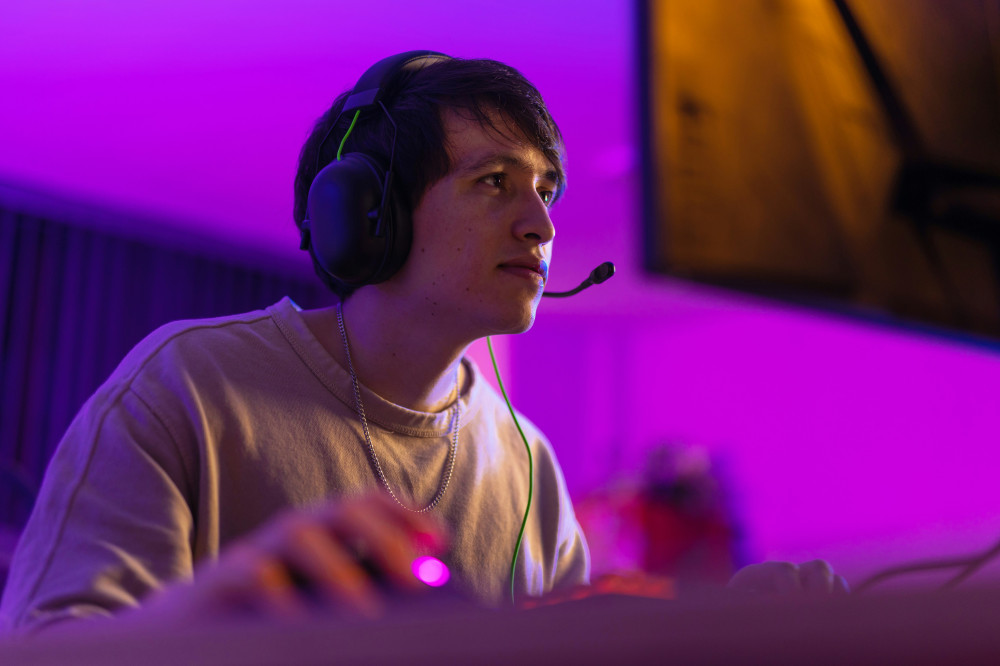
- Headset: A good headset improves sound quality and lets you chat with teammates.
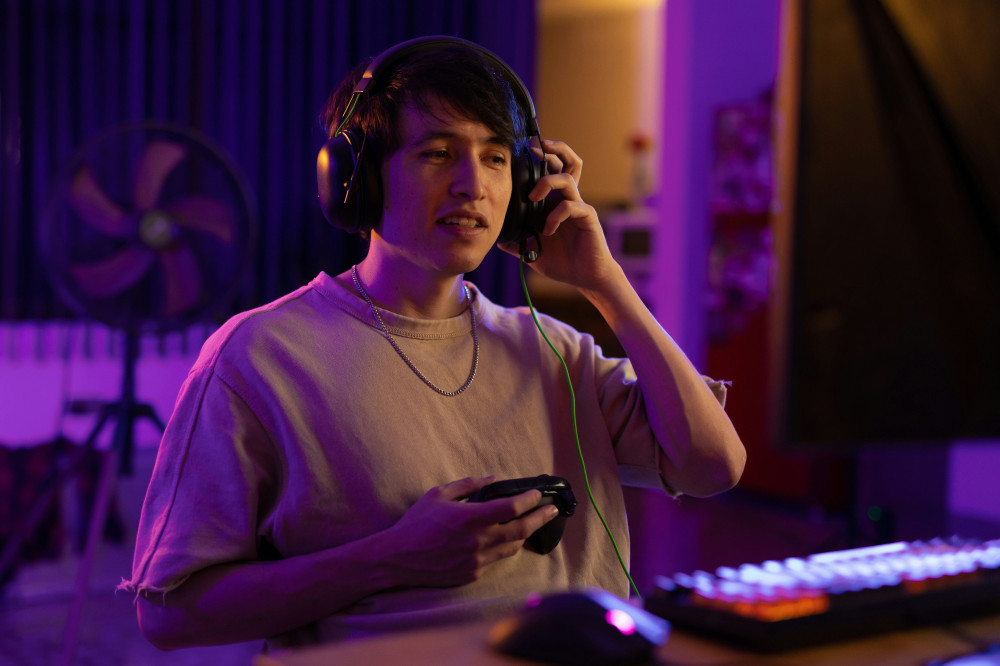
- Controller: Some games – especially action or sports titles – feel better with a controller. Xbox and PlayStation controllers connect easily via USB or Bluetooth.
- Monitor: A high-refresh-rate monitor (120–165 Hz) with low response time gives you smoother gameplay, especially in fast-paced titles.
Finding your first game
Now for the fun part – choosing your first game. Start with something that matches your interests and comfort level.
- Story-driven adventures: Try a single-player game with a strong narrative, like The Witcher 3 or Life is Strange.
- Competitive and co-op games: If you want to play with friends, check out Rocket League, Valorant, or Fortnite.
- Relaxed experiences: Games like Stardew Valley or Cities: Skylines are perfect for winding down after a long day.
Read reviews, watch gameplay videos, and try free demos before buying. Many games also include tutorials to help you learn the controls and mechanics.
Keep your PC in top shape
To get the best performance, it’s important to maintain your PC. Clean out dust every few months, and keep an eye on temperatures while gaming. Free tools like MSI Afterburner can help you monitor performance.
Update your games and drivers regularly, and back up your save files – especially if you play offline. It’ll save you a lot of frustration if something goes wrong.
Læs også:

Gaming as a community
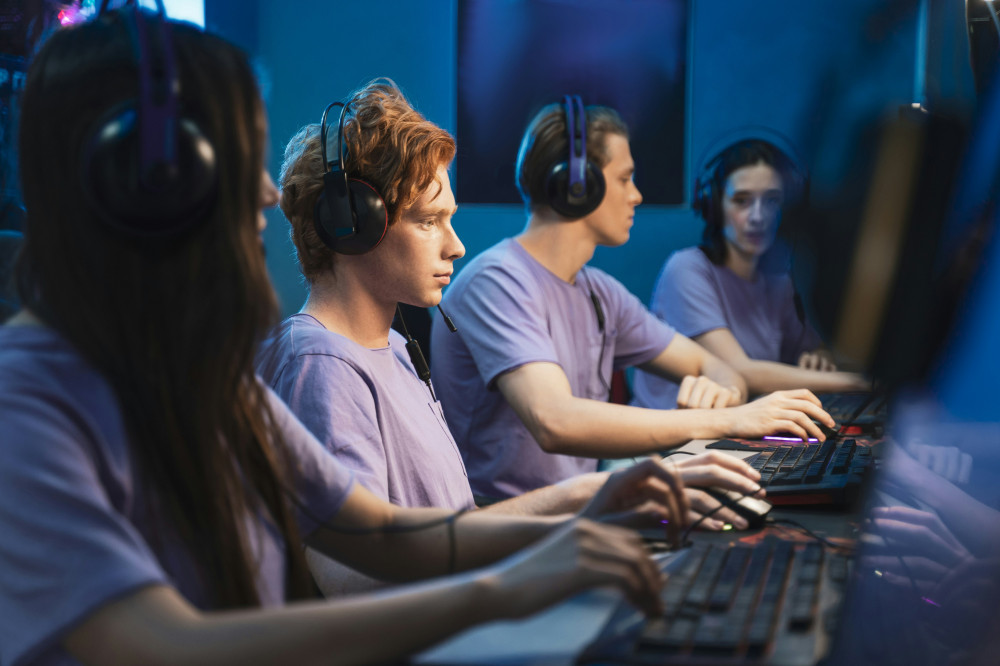
PC gaming isn’t just about the hardware – it’s also about the community. You can find friends, join online groups, or stream your gameplay on platforms like Twitch or YouTube. Many players find gaming even more enjoyable when they share the experience with others.
Just remember to take breaks and look after your posture. Long gaming sessions can be tough on your eyes and back, so invest in a good chair and stretch regularly.
Ready to play
Getting started with PC gaming takes a bit of setup, but the rewards are worth it. You’ll gain access to a massive world of games, communities, and experiences that can be tailored to your interests. With the right setup and a bit of curiosity, you’re ready to take your first steps into the world of PC gaming – and maybe discover a new lifelong hobby.
Læs også: