Gaming and Internet Use: How to Choose the Right Connection for the Whole Household

Gaming and Internet Use: How to Choose the Right Connection for the Whole Household
When everyone in the household is gaming, streaming, working, and studying online, a fast and reliable internet connection becomes a necessity – not just a luxury. But with so many options available across Australia, how do you choose the right one for your family’s needs? Here’s a guide to help you find the best connection for gamers, movie lovers, and remote workers living under the same roof.
Understand Your Household’s Needs
The first step is to map out how your household uses the internet. A family with multiple gamers and streaming services running at once will have very different requirements from a couple who mostly browse the web and check emails.
Make a quick overview:
- Gaming: needs low latency (ping) and a stable connection – especially for online multiplayer games.
- Streaming: requires high download speeds, particularly for 4K or UHD video.
- Remote work and study: depend on stability and good upload speeds for video calls and file sharing.
- Smart home devices: don’t use much bandwidth individually, but many devices connected at once can strain the network.
Once you understand your total usage, you can better assess what speed and technology will suit your household.
Choose the Right Technology
Australia offers several types of internet connections, and the differences in speed, reliability, and availability can be significant.
- Fibre (FTTP): The fastest and most stable option. Fibre provides symmetrical upload and download speeds, ideal for gaming, streaming, and working from home. However, it’s not yet available everywhere.
- Fibre to the Node (FTTN) or Fibre to the Curb (FTTC): Common NBN technologies that use a mix of fibre and copper. Speeds can vary depending on distance from the node.
- HFC (Hybrid Fibre Coaxial): Uses existing pay-TV cables and can deliver high download speeds, though upload speeds are usually lower than fibre.
- Fixed Wireless: A good option in regional areas where fibre isn’t available. Performance can depend on distance from the tower and weather conditions.
- Mobile broadband (4G/5G): Offers flexibility and can be very fast with 5G, but performance may fluctuate with network congestion or poor signal. Great as a backup or for smaller households.
If you have multiple options in your area, compare not only speed and price but also reliability and customer support.
How Much Speed Do You Need?
Internet providers often advertise high speeds, but the key is to match your plan to your actual usage.
As a general guide:
- 1–2 people: 50–100 Mbps is usually enough for everyday use and light gaming.
- Family of 3–4: 250–500 Mbps provides room for simultaneous streaming, gaming, and video calls.
- Larger households or heavy users: 1000 Mbps (1 Gbps) ensures everyone can be online without slowdowns.
Remember, your total bandwidth is shared among all devices. If several people are gaming or streaming at once, a faster plan will make a noticeable difference.
Stability and Ping – The Gamer’s Priority
For gamers, speed isn’t everything. Stability and low ping are crucial. A low ping means data travels quickly between your device and the game server – and that can be the difference between victory and defeat.
Fibre connections generally offer the lowest ping and most consistent performance. Mobile broadband, on the other hand, can vary depending on signal strength and network load. If you have gamers in the house, fibre or HFC is usually the best choice.
The Router – The Heart of Your Home Network
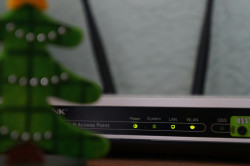
Even the fastest internet plan can feel slow if your router can’t keep up. Many households still use the standard router provided by their ISP, but these are often basic models that struggle with multiple devices.
Consider upgrading to:
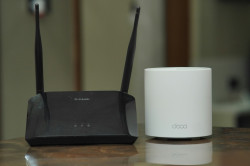
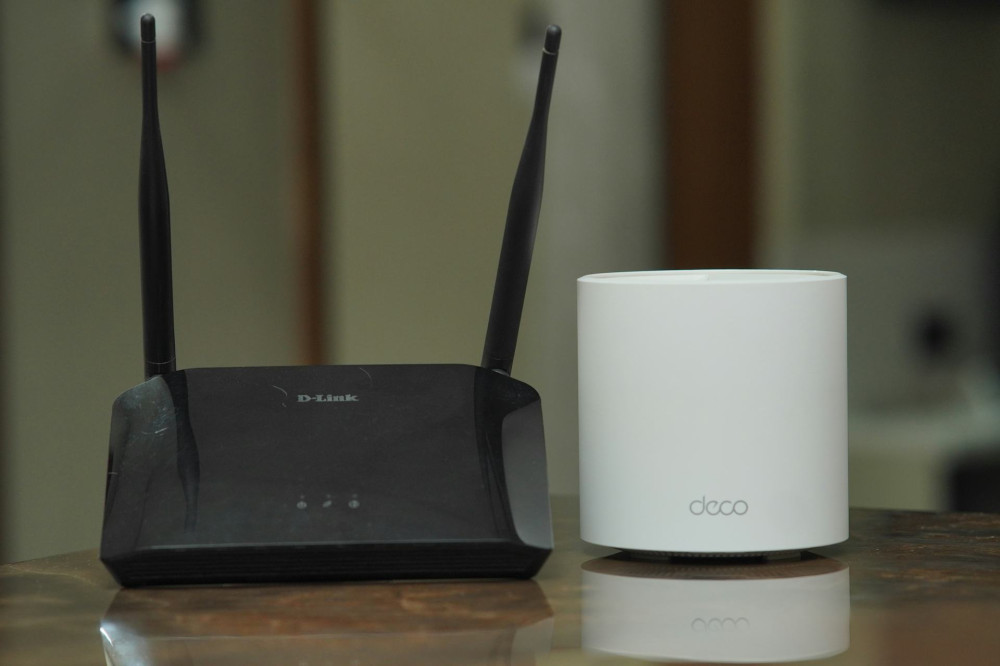
- A high-performance router with Wi-Fi 6 or Wi-Fi 6E for better coverage and faster speeds.
- A mesh Wi-Fi system if you live in a larger home, ensuring strong signal in every room.
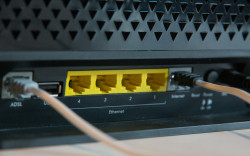
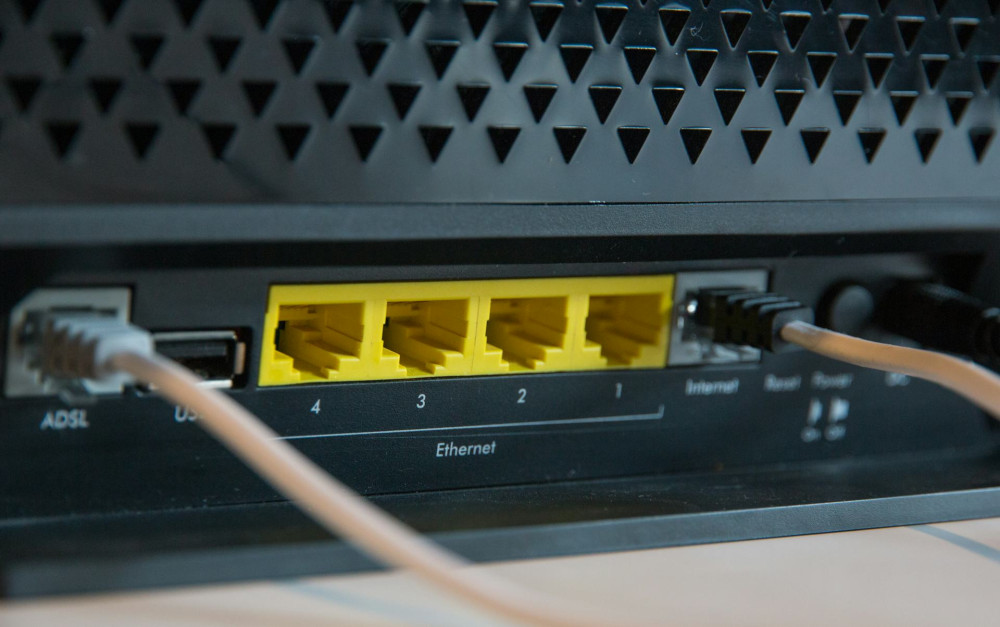
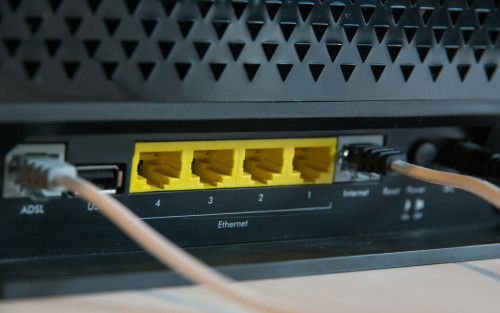
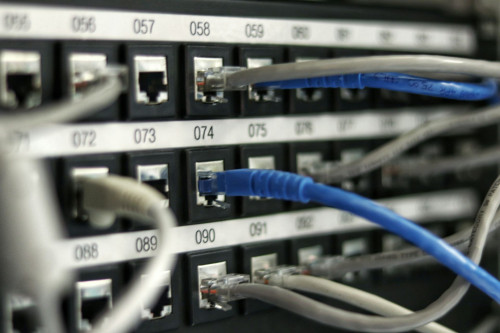
- Wired (Ethernet) connections for gaming PCs and consoles – this provides the most stable and lag-free experience.
Place your router in a central, open location. Avoid hiding it behind furniture or in cupboards, as that can weaken the signal.
Læs også:

Share the Connection Smartly
Even with a fast connection, your network can slow down if too many people use it at once. You can optimise performance by:
- Enabling Quality of Service (QoS) settings on your router to prioritise gaming and video calls.
- Scheduling large downloads or updates outside peak hours.
- Disconnecting old or unused devices that may be hogging bandwidth.
Small adjustments like these can make a big difference when everyone’s online at the same time.
Check Coverage and Support
Before signing up, check the coverage and performance of providers in your area. A high advertised speed means little if the connection is unstable. Read reviews, and find out how responsive the provider is when issues arise.
A reliable internet connection isn’t just about technology – it’s also about peace of mind, knowing you can get help quickly if something goes wrong.
The Best Connection Is the One That Fits Your Home
There’s no single perfect solution for everyone. The best internet connection is the one that matches your household’s needs, location, and budget. For some, fibre is the clear winner; for others, HFC or 5G might be the most practical choice.
The key is to think holistically: good speed, low ping, stable coverage, and a router that can handle it all. With the right setup, your entire household can stay connected – without lag, buffering, or frustration.
Læs også: