Why does the internet feel slow even when the connection is fast?

Why does the internet feel slow even when the connection is fast?
You’ve probably experienced it: your NBN plan promises lightning-fast speeds, yet websites still take their time to load, videos buffer, or emails lag before sending. It feels contradictory – if the connection is fast, shouldn’t everything just work smoothly? The truth is, the experience of a slow internet connection often has more to do with other factors than the raw speed your provider advertises. Let’s take a closer look at why the internet can feel sluggish, even when the numbers say otherwise.
Speed isn’t the same as perceived performance
When you sign up for an internet plan, you’re usually told the maximum download and upload speeds – say, 100 or 250 Mbps. That figure measures how much data can move per second, but it doesn’t tell the whole story about how fast the internet feels.
Your experience also depends on latency (delay) and stability (jitter). A connection can have high bandwidth, but if there’s a noticeable delay before data even starts moving, it will feel slow. Think of it like a wide highway where cars still have to wait at a red light before they can go anywhere.
Latency: the hidden bottleneck
Latency is measured in milliseconds and describes how long it takes for a signal to travel from your device to a server and back again. The longer the distance and the more stops along the way, the higher the latency.
- Geographical distance matters. If you’re visiting a website hosted in the US or Europe, your data has to travel thousands of kilometres across undersea cables before returning to you in Australia.
- Network equipment such as routers and switches can add delay, especially if they’re overloaded or outdated.
- Wireless connections like Wi-Fi generally have higher latency than wired ones, as signals must pass through air, walls, and interference from other devices.
Even small delays can be noticeable, especially for interactive activities like video calls, online gaming, or web searches where you expect instant feedback.
Læs også:

Wi-Fi – the invisible culprit
Many Australians find that their internet feels slow even when a speed test shows good results. Often, the issue lies not with the NBN connection itself but with the Wi-Fi link inside the home.
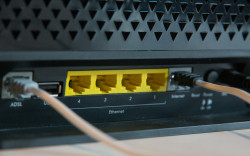
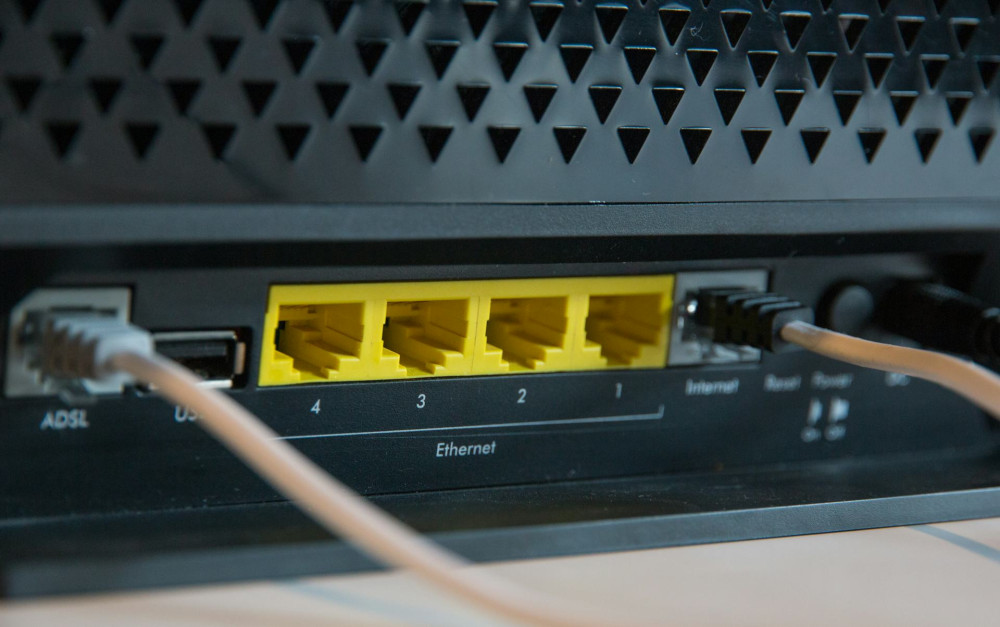
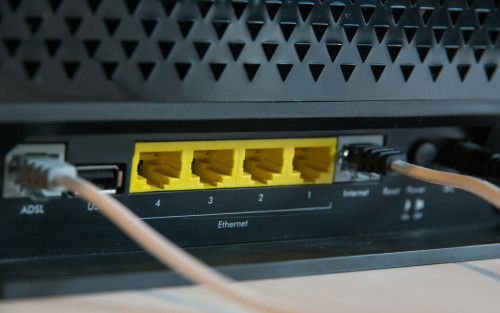
Wi-Fi signals can be weakened by walls, floors, and household appliances. If you’re far from the router, the signal may fluctuate or switch channels, causing tiny interruptions that make pages load slowly. A simple test is to plug your computer directly into the router with an Ethernet cable. If everything suddenly speeds up, your Wi-Fi is the bottleneck – not your broadband.
Household congestion
In most homes, the internet connection is shared among multiple devices: laptops, smart TVs, tablets, gaming consoles, and smart home gadgets. When several people stream, download, or update software at the same time, the network can get congested.
Even with a high-speed plan, your router might struggle to manage all that traffic efficiently. The result? Everything feels a bit sluggish. Some modern routers include Quality of Service (QoS) settings that let you prioritise important activities – like video meetings – over background downloads.
The server’s speed matters too
No matter how fast your connection is, it can’t make a slow server respond faster. If the website you’re visiting is hosted on an overloaded or low-cost server, it may take time to respond. It’s like driving quickly to a busy café – you still have to wait in line once you arrive.
Major platforms like YouTube, Netflix, and Google have servers located in Australia to minimise this problem, but smaller websites or overseas services can still feel slow, regardless of your connection speed.
Devices, browsers, and cache
Sometimes the issue isn’t the internet at all – it’s your device. A cluttered browser cache, too many open tabs, or background apps can all slow things down. Older computers, phones, or tablets may also struggle to take full advantage of modern network technology.
A few simple fixes can help: clear your browser cache, restart your router, and keep your devices updated. These small steps often make a noticeable difference.
How to make your internet feel faster
While you can’t control everything, there are several ways to improve your experience:
- Use a wired connection where possible – it’s faster and more stable.
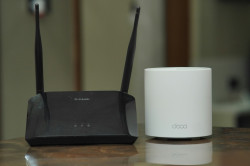
- Place your router centrally in your home, away from thick walls and electronic interference.
- Update your router’s firmware to fix bugs and improve performance.
- Switch Wi-Fi channels or use the 5 GHz band if your neighbourhood has many overlapping networks.
- Monitor which devices are using bandwidth and limit heavy downloads during work or streaming sessions.
Fast internet is about more than numbers
When the internet feels slow, it’s rarely because your connection is truly bad. More often, it’s the result of a mix of factors: latency, Wi-Fi quality, server performance, device limitations, and household congestion. By understanding how these elements interact, you can pinpoint the real cause – and often find that the solution isn’t upgrading your plan, but optimising what you already have.
Læs også: