Stable Streaming for Families: How Everyone Can Enjoy a Strong Connection, Even When Watching Different Shows at the Same Time


Stable Streaming for Families: How Everyone Can Enjoy a Strong Connection, Even When Watching Different Shows at the Same Time
When dinner’s done and everyone heads off to their own screens, the home internet can quickly be put to the test. One child is watching cartoons on a tablet, another is gaming online, while the parents are streaming a series in the living room. The result? Buffering, lag, and frustration. But with the right setup and a few smart adjustments, you can keep your connection strong – even when the whole family is online at once.
Understand What Uses the Most Bandwidth
Not all online activities demand the same amount of speed. Streaming in high resolution and online gaming use far more data than browsing or social media. If several people in your household are watching 4K content, your connection can easily become overloaded.
As a general guide:
- HD streaming needs around 5 Mbps per device
- 4K streaming needs around 20–25 Mbps per device
- Online gaming needs 5–10 Mbps, but with low latency (ping)
That means a family of four could easily need 100 Mbps or more to avoid slowdowns. Check whether your current broadband plan matches your household’s needs.
Place Your Router in the Right Spot
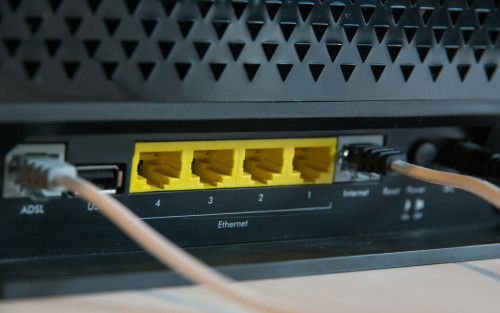
Router placement has a big impact on how stable your Wi-Fi signal is. Many people hide it behind the TV or in a corner, but that can weaken the signal significantly.
- Place the router centrally in your home, ideally high up and in the open.
- Avoid obstacles like concrete walls, metal, and large furniture.
- Keep it away from electronics that can interfere with the signal – such as microwaves or cordless phones.
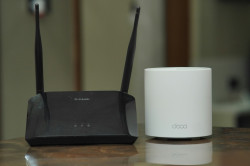
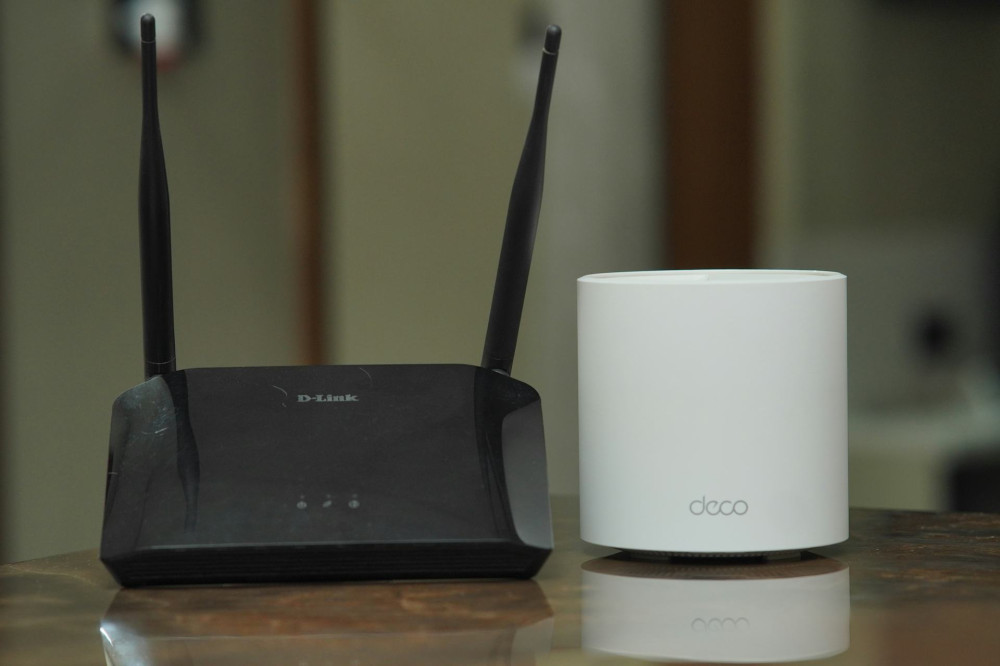
If you live in a larger home, consider a mesh Wi-Fi system, where several small routers work together to cover every room with a strong, consistent signal.
Læs også:

Prioritise the Most Important Devices
Most modern routers include a feature called Quality of Service (QoS). It allows you to prioritise certain devices or types of traffic – like streaming or gaming – so they get the bandwidth they need when the network is busy.
That means Netflix won’t stutter even if someone else is downloading a large file. Check your router’s app or settings to enable QoS – it can make a noticeable difference in everyday use.
Upgrade Old Equipment
Even the fastest internet plan won’t help much if your router is outdated. A router that’s more than five years old may struggle to handle multiple connections at once.
Look for routers with Wi-Fi 6 (or Wi-Fi 6E), which offer faster speeds, better range, and improved stability when many devices are connected. This is especially useful for families with tablets, smart TVs, gaming consoles, and smart home devices all online at the same time.
Use Cables Where It Makes Sense
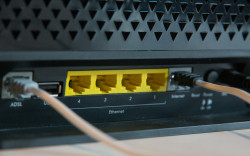
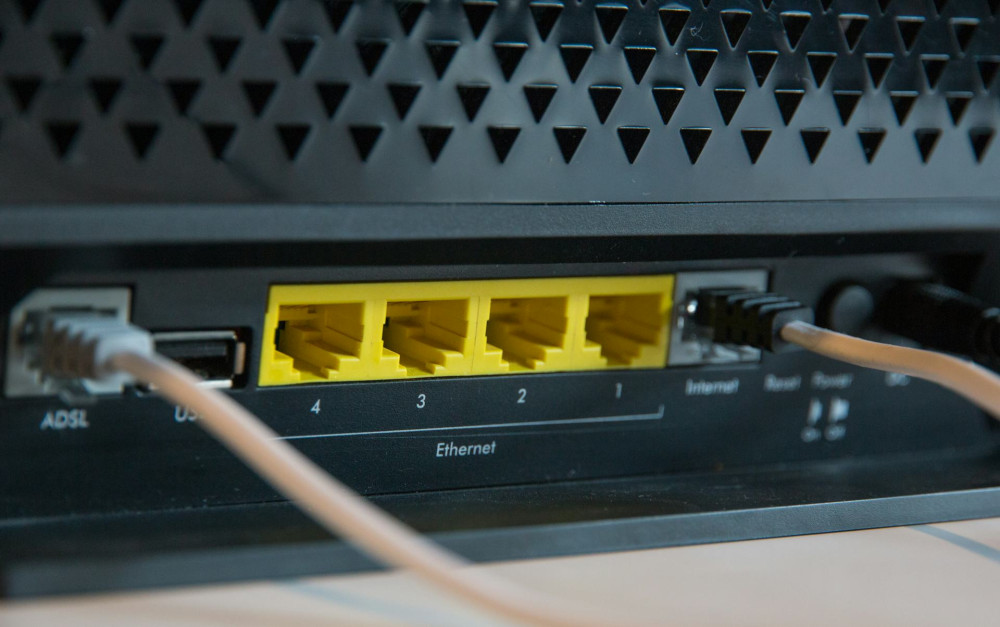
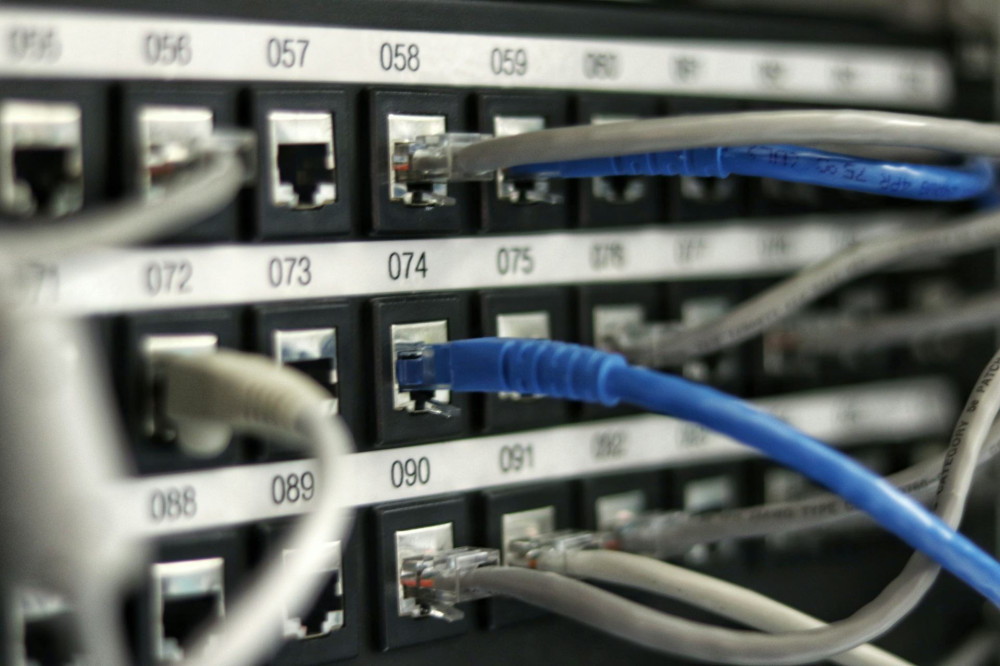
Wi-Fi is convenient, but a wired connection is still the most reliable. If possible, connect stationary devices like desktop computers, gaming consoles, and smart TVs with an Ethernet cable. This takes pressure off your Wi-Fi and ensures a stable connection for the devices that need it most.
A simple cable can often solve problems that seem mysterious – especially in rooms where the Wi-Fi signal is weak.
Watch Out for Hidden Bandwidth Hogs
Sometimes it’s not the family, but the technology itself, that’s eating up your bandwidth. Smart devices, automatic updates, and cloud backups can run quietly in the background without you noticing.
Go through your devices and turn off automatic updates during peak hours – for example, in the evening. Schedule them instead for overnight, when the network isn’t being used.
Consider a Better Internet Plan
If you’ve tried all the above and still experience issues, it might be time to upgrade your connection. Fibre broadband generally offers the most stable and fastest speeds, but many NBN and 5G home internet options in Australia can also deliver excellent performance.
Check what’s available at your address and compare speed, price, and reliability. Some providers even offer family-friendly packages with mesh routers or Wi-Fi boosters included.
Build Good Digital Habits
Technology can do a lot, but good habits help too. Talk with your kids about how and when the internet is used, and explain why a stable connection matters – for example, during online classes or work meetings.
You might also set up “offline times” when everyone puts their screens away. It not only gives your network a break but also helps the family reconnect in real life.
A Strong Connection Brings Peace of Mind
When the internet works, you hardly notice it – but when it doesn’t, everyone feels it. A stable connection isn’t just about technology; it’s about creating a home where everyone can do what they love without frustration.
With a bit of planning, the right equipment, and a few smart tweaks, your family can stream, play, and surf – all at once, and without interruptions.
Læs også: