Good Wi-Fi Habits for Everyday Life: Simple Routines for Reliable Coverage

Good Wi-Fi Habits for Everyday Life: Simple Routines for Reliable Coverage
A strong Wi-Fi connection has become as essential to Australian homes as electricity or running water. We stream footy matches, work remotely, video call family across the country, and control everything from air conditioners to smart lights through the internet. But even the fastest NBN plan can feel sluggish if your Wi-Fi setup isn’t optimised. The good news? A few simple habits can make a big difference. Here’s how to keep your connection stable and reliable every day.
Place Your Router Wisely
Where you put your router has a huge impact on how well your Wi-Fi signal spreads through your home. Many people hide it behind the TV or in a cupboard, but that’s rarely ideal.
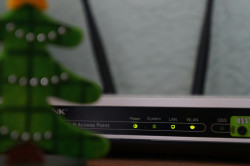
- Position it centrally in your home, ideally at eye level and away from walls or furniture.
- Avoid metal and concrete, which can block signals.
- Keep it clear of other electronics like microwaves, cordless phones, and Bluetooth speakers that can cause interference.
Think of your router as a light bulb: the more open space around it, the better it can “shine” its signal throughout your home.
Give Your Router a Fresh Start
Just like your computer or smartphone, your router benefits from a restart now and then. It helps clear temporary glitches and keeps things running smoothly.
- Restart it once a month, either manually or through your provider’s app if available.
- Update the firmware regularly to ensure you have the latest performance and security improvements.
It only takes a few minutes but can save you hours of frustration later.
Know Your Devices and Their Demands
Not all devices use Wi-Fi in the same way. A smart plug barely sips data, while streaming 4K video or joining a Zoom meeting can use a lot more. When too many devices are connected, your network can slow down.
- Prioritise key devices – many routers have a “Quality of Service” (QoS) setting that lets you give priority to your work laptop or gaming console.
- Disconnect old or unused devices that still take up space on your network.
Balancing your devices helps keep everything running smoothly.
Læs også:

Use Both 2.4 GHz and 5 GHz Bands
Most modern routers broadcast on two frequencies: 2.4 GHz and 5 GHz. Each has its strengths.
- 2.4 GHz travels further and penetrates walls better but offers slower speeds.
- 5 GHz delivers faster speeds but has a shorter range.
If you live in a larger home or a Queenslander with thick walls, it can help to connect some devices to 2.4 GHz and reserve 5 GHz for high-speed tasks like streaming or gaming.
Consider a Mesh Network for Bigger Homes
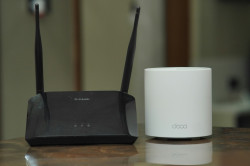
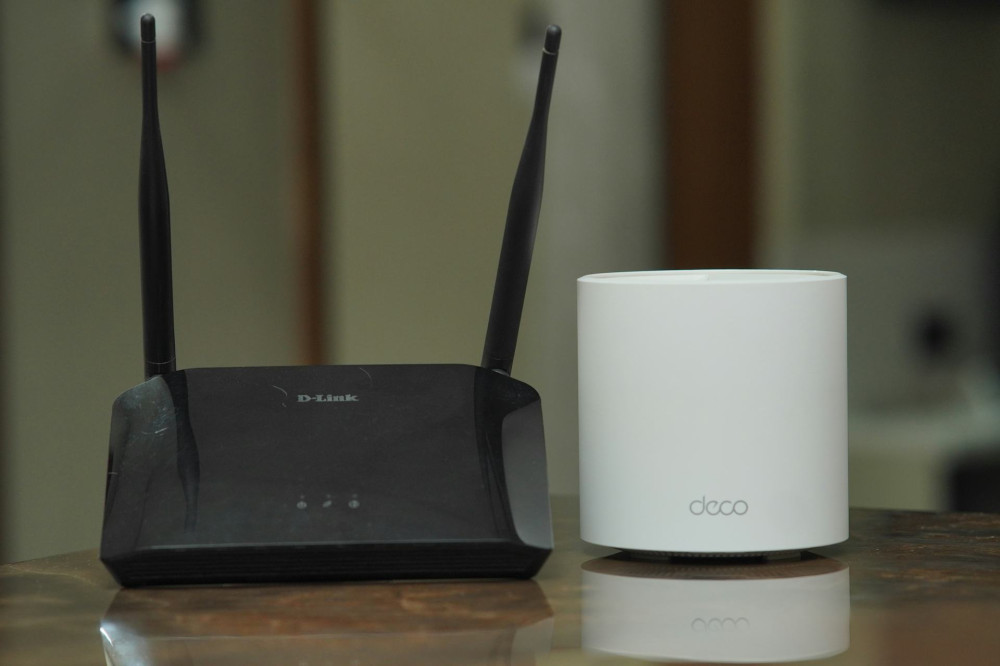
If you still have dead zones – maybe in the back room or on the veranda – a mesh Wi-Fi system could be the answer. It uses multiple small units that work together to spread the signal evenly throughout your home.
Mesh systems are especially useful in multi-storey houses or properties with brick or concrete walls. They take a little setup but deliver a much more consistent connection.
Keep an Eye on Your Network
Most Australian internet providers offer apps that show which devices are connected and how much data they’re using. This can help you spot bandwidth hogs or even detect if someone’s using your Wi-Fi without permission.
Change your Wi-Fi password regularly and use a strong one with a mix of letters, numbers, and symbols. It protects both your speed and your security.
Build Good Everyday Habits
Reliable Wi-Fi isn’t just about technology – it’s about routine. A few mindful habits can make a big difference:
- Turn off streaming services when you’re not watching.
- Avoid large downloads during video calls or online meetings.
- Set up a guest network for visitors so your main network stays secure and fast.
Once these habits become second nature, you’ll spend less time worrying about your connection and more time enjoying it.
A Small Effort for a Big Reward
A stable Wi-Fi network isn’t just about convenience – it’s about peace of mind. When your connection works seamlessly, you can work, stream, and connect without interruptions. With a few small adjustments and regular care, your home network can stay fast, reliable, and ready for whatever your day brings.
Læs også: