How Wi‑Fi Signals Move Through Your Home – and Why Walls Can Be Your Biggest Challenge

How Wi‑Fi Signals Move Through Your Home – and Why Walls Can Be Your Biggest Challenge
When your internet slows down in the bedroom or drops out on the back deck, it’s rarely the router’s fault alone. Wi‑Fi signals don’t move freely like air – they’re weakened, reflected, and absorbed by the materials they encounter. To understand why coverage varies from room to room, it helps to look at how those invisible waves actually travel through your home.
Wi‑Fi Is Made of Invisible Radio Waves
Wi‑Fi works by sending radio waves from your router to your devices. These waves travel at the speed of light, but they’re sensitive to obstacles. Just as sound is muffled by walls and furniture, Wi‑Fi signals lose strength when they hit materials that don’t let the waves pass easily.
Most routers broadcast on two frequency bands: 2.4 GHz and 5 GHz. The lower band (2.4 GHz) travels farther and penetrates walls better, while the higher band (5 GHz) offers faster speeds but struggles more with barriers. That’s why your connection might be lightning‑fast near the router but weaker in the far corners of the house.
Walls, Floors and Furniture – the Hidden Obstacles
Not all walls are equally tough on Wi‑Fi. The materials in Australian homes vary widely, and each affects the signal differently:
- Gyprock or plasterboard walls absorb very little signal, so they’re rarely a problem.
- Brick and concrete block walls, common in many Australian houses, can soak up a lot of signal and reduce range significantly.
- Reinforced concrete, tiles, and stone are among the worst offenders because metal and moisture conduct the signal away.
- Mirrors, metal furniture, and appliances can reflect signals, scattering them unpredictably.
Even water – such as in fish tanks or in the human body – can interfere with Wi‑Fi. That’s why coverage often drops when a room is full of people.
Router Placement Makes All the Difference
One of the simplest ways to improve Wi‑Fi coverage is to position your router wisely. Many people hide it behind the TV or in a corner, but that’s rarely ideal. The router should sit centrally in your home, slightly elevated, and clear of large objects.
Avoid placing it near microwave ovens, cordless phones, or baby monitors, as these can cause interference. In multi‑storey homes, positioning the router on the middle level helps the signal reach both upstairs and downstairs. If you live in a long, single‑storey house – common in many Australian suburbs – try to place the router near the centre of the floor plan rather than at one end.
When One Signal Isn’t Enough
In larger homes or those built with thick brick or concrete walls, even the best router can struggle to cover every room. In that case, consider expanding your network with:
- Wi‑Fi extenders (repeaters) that rebroadcast the signal to extend its range.
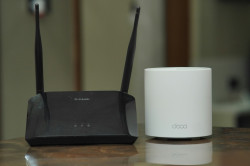
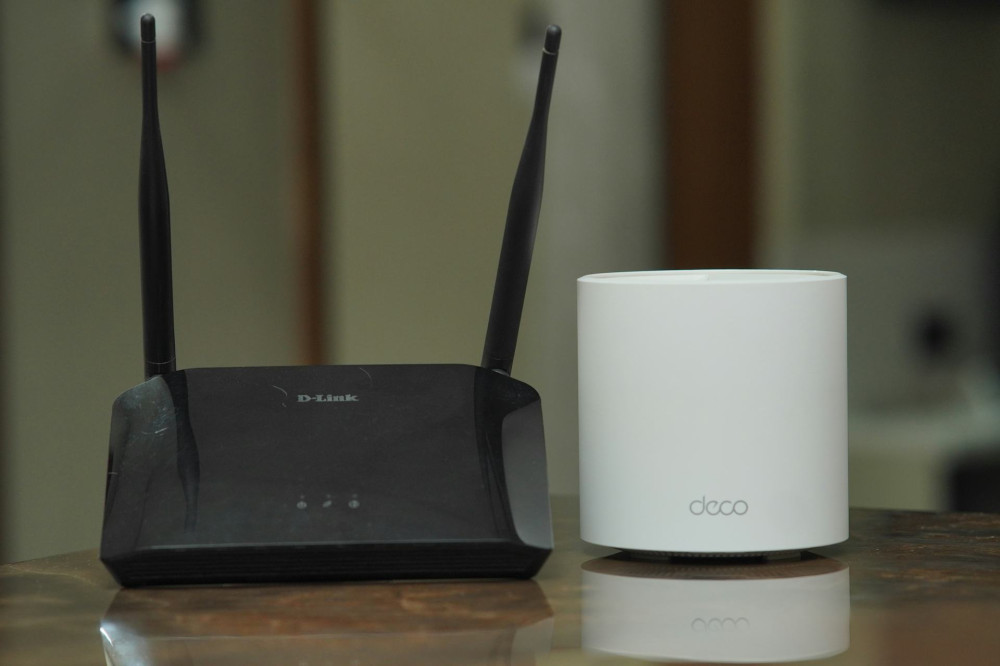
- Mesh systems, where several units work together as one seamless network, providing consistent coverage throughout the house.
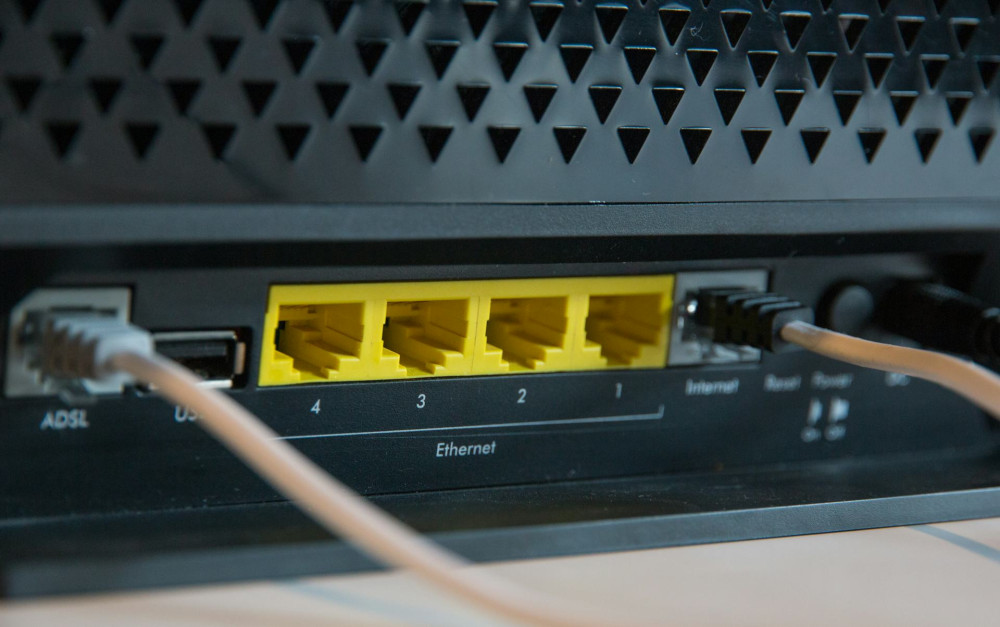
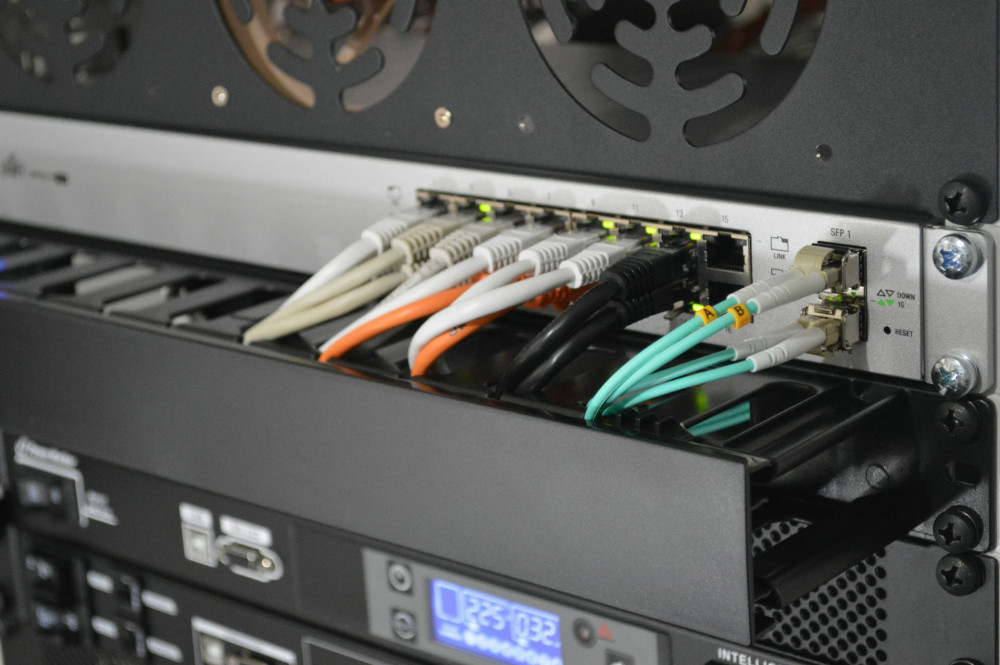
- Wired Ethernet connections for stationary devices like desktop PCs or smart TVs, leaving the wireless network free for mobile devices.
A mesh system is often the most reliable option, as it automatically balances the connection between units and eliminates the “dead zones” many households experience.
How to Test Your Wi‑Fi Signal
You can easily check how strong your Wi‑Fi is in different rooms. Use a smartphone app or online tool to measure signal strength (usually shown in dBm). The closer the number is to 0, the better – around ‑50 dBm is strong, while ‑80 dBm means the connection is weak.
Walk around your home and note where the signal drops. This gives you a clear picture of where to move the router or add another device.
The Future of Wi‑Fi: Faster and Smarter
The latest standards, such as Wi‑Fi 6 and Wi‑Fi 6E, are designed to handle more devices and reduce interference. They use frequencies more efficiently and can improve coverage in homes filled with smart gadgets. But even the most advanced technology can’t magically pass through concrete or metal – placement and planning will always matter.
Læs også:


A Strong Signal Starts with Understanding
Getting stable Wi‑Fi isn’t just about buying the newest router. It’s about understanding how signals move. Walls, furniture, and appliances all play a role, and small adjustments can make a big difference. Once you know how your Wi‑Fi behaves, you can create a home network that works smoothly – whether you’re streaming in the lounge, working in the study, or relaxing on the verandah.
Læs også: